
The Universal Frustration of Crowded Travel Photos
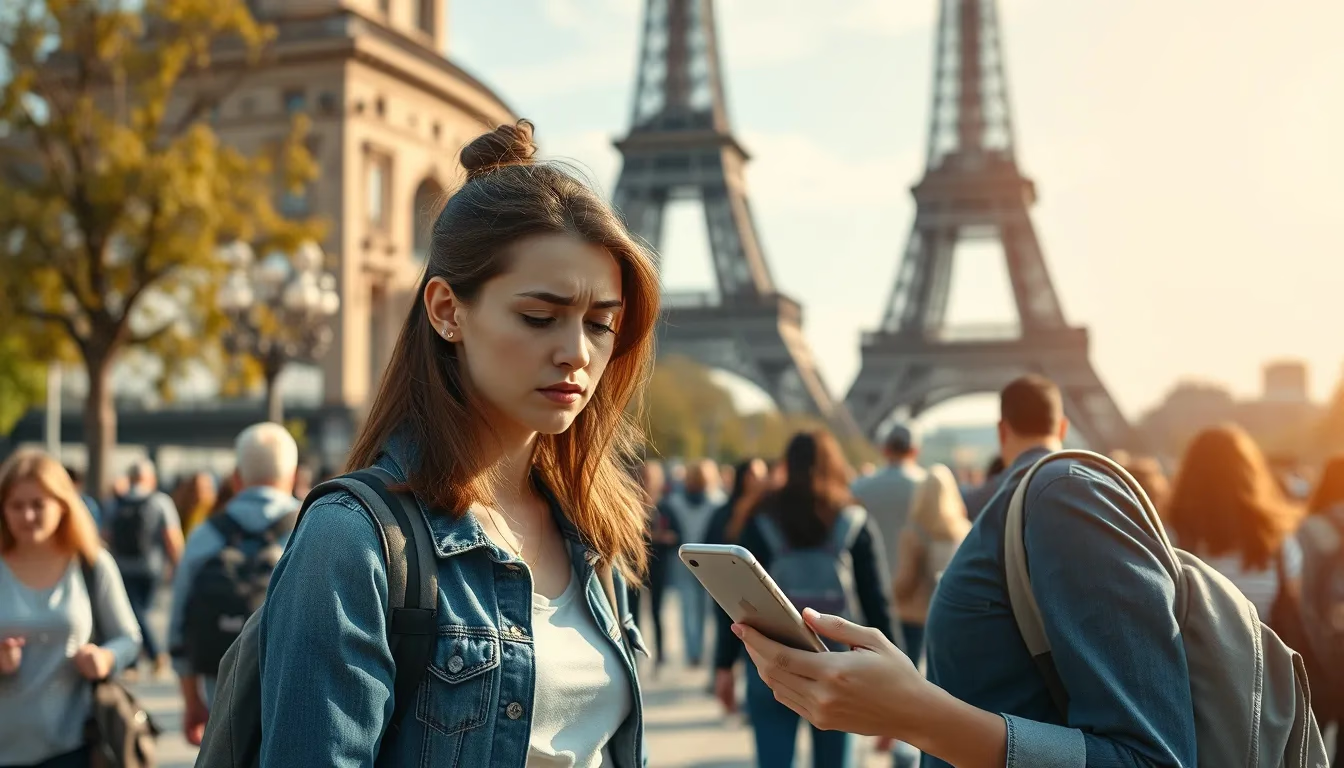
You've saved for months, flown halfway around the world, and finally arrived at that iconic landmark you've dreamed about visiting. You frame the perfect shot, tap the shutter button, and... there's a stranger in a bright red jacket walking right through your masterpiece. Or worse, someone deliberately poses behind you with bunny ears.
We've all been there. That perfect moment at the Colosseum, the Taj Mahal, or even a quiet beach getaway – spoiled by tourists who had every right to be there but absolutely no consideration for your photography.
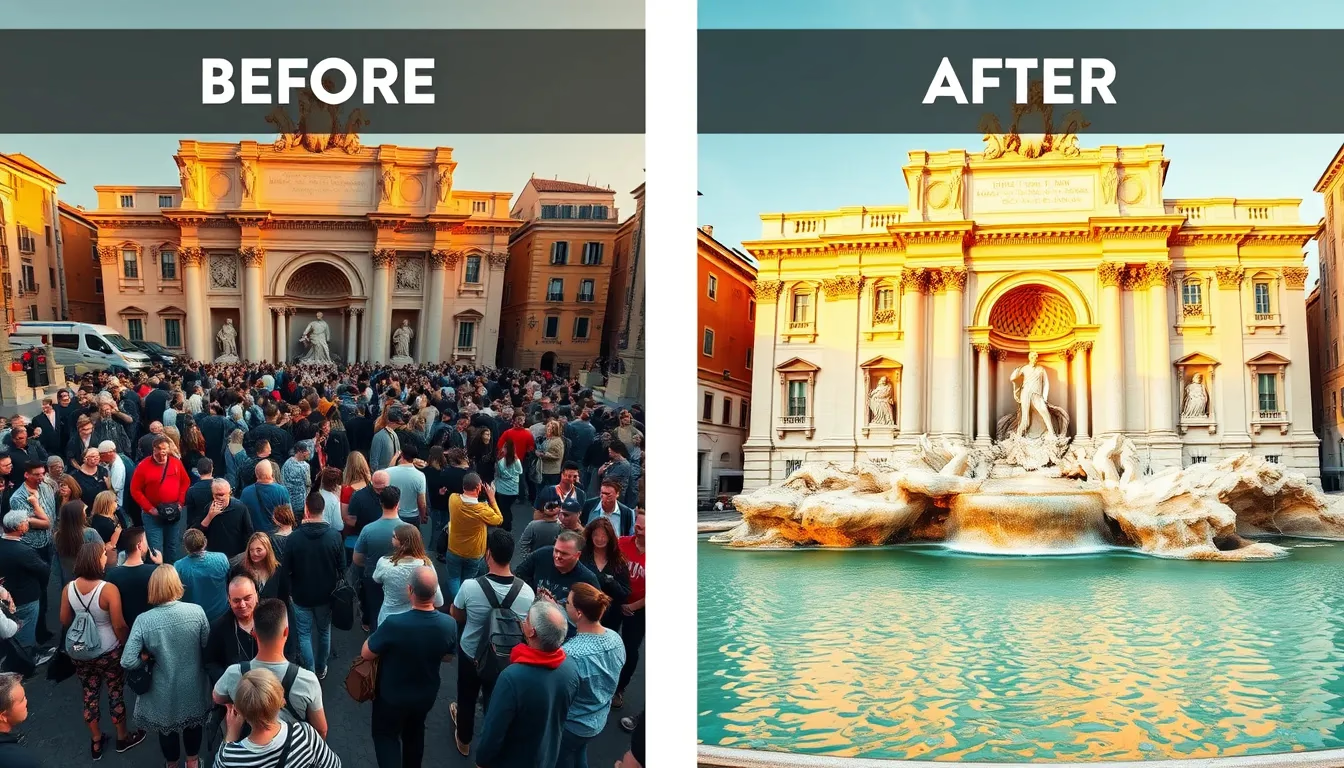
The good news? You no longer have to accept those crowded snapshots as your final memories. AI-powered photo editing has made it remarkably straightforward to remove unwanted people from your travel photos, and the results can look surprisingly natural.
Why Traditional Fixes Often Fall Short
Before AI tools became accessible, removing photobombers required either serious Photoshop skills or acceptance of your fate. Manual editing meant painstakingly cloning background pixels, matching lighting, and spending hours on a single image. Most travellers simply didn't have the time or expertise.
Some tried the classic "wait it out" approach – standing at a popular spot for twenty minutes hoping for a brief crowd gap. Others woke before dawn to beat the tourist rush. Both strategies work sometimes, but neither guarantees success, and they certainly don't help with photos you've already taken.
The reality is that popular destinations are popular for a reason. Expecting empty frames at the Trevi Fountain on a summer afternoon is like expecting silence at a rock concert. You might get lucky, but you probably won't.
How AI Changes the Game for Travel Photography
AI-powered removal tools work differently from traditional editing. Instead of requiring you to manually paint over unwanted elements, they analyse your entire image, understand what the background should look like, and intelligently fill in the gaps.
If you're curious about the technology behind this, our explanation of how AI image generators actually work breaks down the fundamentals in plain language. The short version: AI learns patterns from millions of images, so it can predict what a cobblestone street or sandy beach should look like behind that removed tourist.
This approach means you don't need advanced editing skills. You simply identify what you want gone, and the AI handles the complex work of reconstruction.
Practical Scenarios Where This Actually Helps
Let's move beyond theory into real situations where removing strangers transforms your travel memories.
The Landmark Shot
You're standing in front of Big Ben, the Sydney Opera House, or the Golden Gate Bridge. These locations draw thousands of visitors daily, making a clean shot nearly impossible. AI removal lets you eliminate the crowd while preserving every architectural detail of the landmark itself.
The Candid Moment
Your partner is laughing at a café in Paris, and you capture a beautiful candid moment – except a waiter is walking through the background carrying dishes. Removing that distraction keeps the focus where it belongs: on the genuine emotion of the moment.
The Group Photo Gone Wrong
Your family lined up perfectly in front of a scenic overlook, but a stranger walked behind just as the camera clicked. Rather than calling everyone back for another attempt (assuming you even noticed in time), you can simply remove the intruder later.
The Beach Paradise
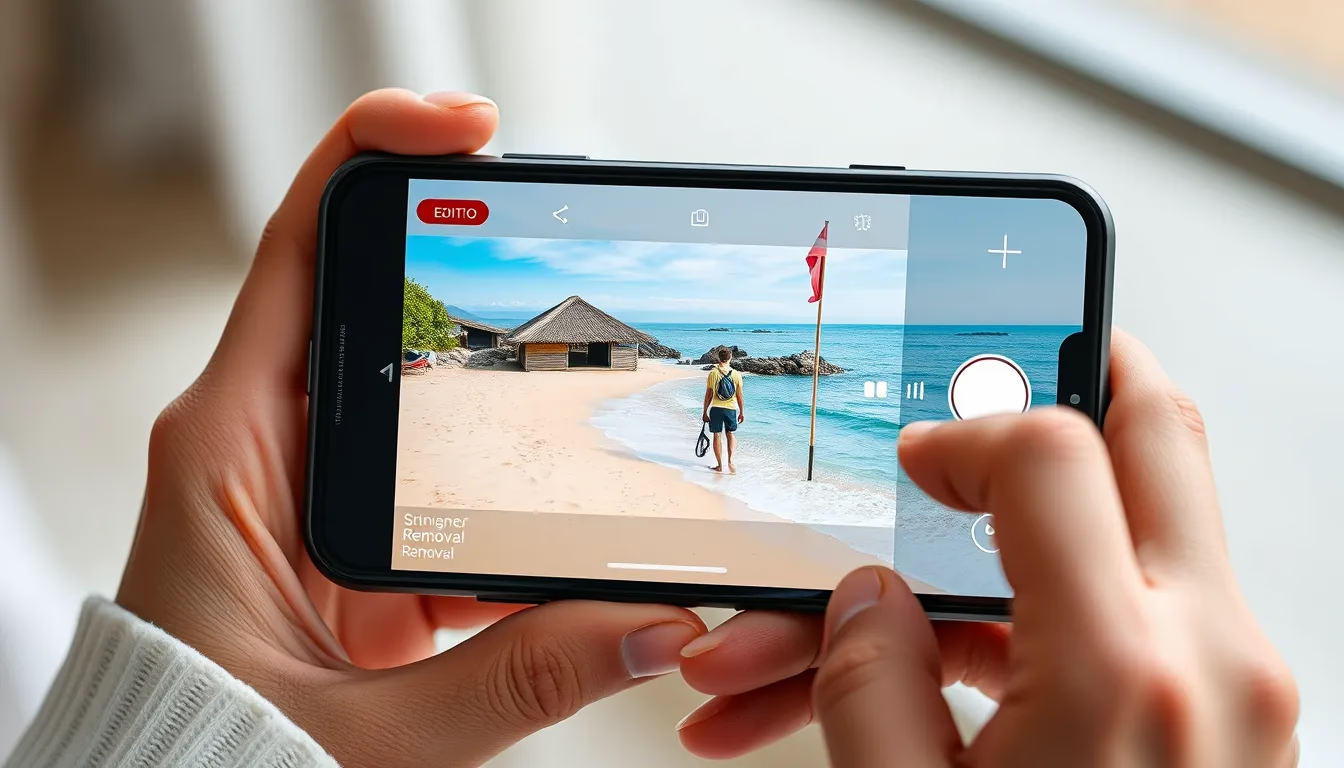
Tropical beach photos practically beg to be serene and uncrowded. Unfortunately, popular beaches rarely cooperate. AI tools can help transform a busy shoreline into the peaceful paradise you experienced in quieter moments.
What to Look for in Removal Tools
Not all AI editing tools handle object removal equally well. Here's what makes a meaningful difference in results:
Background Complexity Handling
Removing a person standing against a plain sky is relatively simple. Removing someone from a busy marketplace with complex textures and patterns is significantly harder. Better tools handle this complexity without leaving obvious smudges or repetitive patterns.
Edge Detection
The boundaries where a removed person met the background need careful handling. Poor edge detection leaves halos, colour bleeding, or unnaturally sharp lines that immediately signal "this was edited."
Lighting Consistency
Shadows matter enormously. If someone stood in your frame, they likely cast a shadow. Quality AI tools recognise and address these shadows rather than leaving mysterious dark patches on the ground.
Photomize AI offers an AI photo editor designed with these considerations in mind, helping you achieve cleaner results without wrestling with complex software.
Tips for Better Results When Removing Photobombers
While AI tools have become impressively capable, a few practices can improve your outcomes.
Take Multiple Shots
When photographing crowded locations, snap several photos from the same position. Different frames capture people in different positions. Sometimes combining elements from multiple shots – or simply having options for the AI to reference – produces cleaner final results.
Our guide on merging two photos with AI explores this technique in more detail if you want to get creative with composites.
Consider What's Behind the Person
Before editing, think about what the AI needs to reconstruct. A person blocking a simple element like grass or water is easier to remove than someone standing directly in front of intricate architectural details. This helps set realistic expectations for your results.
Don't Over-Edit
Removing one prominent photobomber usually works well. Removing fifteen people from a packed tourist scene might leave your image looking oddly artificial – like a deserted movie set rather than a real location. Sometimes accepting a few background figures maintains authenticity.
Check Edges Carefully
After any removal, zoom in and examine the edges where the person stood. This is where imperfections most commonly appear. A quick review catches issues before you share or print.
When Removal Isn't the Right Answer
Honesty matters in photography, and there are situations where removing people might not be appropriate.
Documentary or journalistic photos should generally remain unaltered. If you're capturing a location's atmosphere – the energy of a busy market, the chaos of a festival – crowds are part of the story.
Similarly, some travel memories are actually enhanced by strangers. That photo of your child making friends with a local kid? The candid shot of elderly locals playing chess in a park? These human elements add authenticity and warmth that a sterile, empty frame would lack.
AI removal is a tool, not a mandate. Use it thoughtfully where it genuinely improves your photos, not reflexively on every image containing other humans.
Preparing Your Photos for Best Results
A few simple preparation steps can improve your editing outcomes.
Start With Your Best Shot
If you have multiple versions of the same scene, begin with the one where the photobomber occupies the least important area of the frame. Less reconstruction needed generally means cleaner results.
Adjust Basic Settings First
Before removing objects, consider whether your photo needs exposure or colour correction. It's typically easier to perform removals on a well-balanced image rather than adjusting overall settings afterward and potentially revealing editing artefacts.
If your travel photos need broader enhancement beyond just removing strangers, AI photo editing online can handle everything from colour correction to detail enhancement.
Save Original Files
Always keep your original, unedited photos. Editing preferences change, technology improves, and you might want to revisit images differently in the future. Non-destructive workflows protect your memories.
Turning Your Cleaned Photos Into Something Worth Sharing
Once you've removed those distracting strangers, what's next? Clean travel photos deserve to be seen.
For social media, consider how your travel imagery fits your broader visual identity. Consistent, polished travel photos can define your online presence – whether you're a casual sharer or building something more intentional. Our guide on AI social media content explores how to create scroll-stopping visuals across platforms.
For printing, cleaned-up photos without random strangers make far better wall art, photo books, or gifts. That sunset at Santorini hits differently when there isn't a stranger checking their phone in the foreground.
The Bigger Picture
Travel photography has always been about capturing memories and sharing experiences. Crowded tourist destinations don't diminish the genuine wonder of standing before ancient ruins or overlooking a stunning vista – but they can diminish our photographs of those moments.
AI tools haven't changed what travel means to us. They've simply given us better options for preserving what we actually experienced: the beauty, the wonder, the personal connection to places that moved us. That stranger who wandered through your frame didn't share your emotional moment. There's nothing wrong with ensuring they don't share your photograph either.
So dig through those travel folders. Find the shots that almost worked. With the right tools and a few seconds of effort, you might recover memories you'd written off as casualties of crowded tourism. Your perfect travel photo might already exist – it just needs a little AI assistance to emerge.