
The Camera-Shy Creator's Dilemma
You've got the voice. You've mastered that song. Your recording sounds incredible, and you're ready to share your cover with the world on YouTube. There's just one problem – you'd rather not film yourself.
Whether it's camera shyness, privacy concerns, limited filming equipment, or simply preferring to let your music speak for itself, you're far from alone. Countless talented singers hesitate to upload their covers because they assume YouTube demands on-camera presence. The truth? Some of the most successful cover channels built substantial audiences without their creators ever appearing on screen.
Creating a music video without filming yourself opens creative possibilities that traditional performance videos can't match. You can craft visual experiences that enhance your music, establish a distinctive artistic identity, and focus entirely on audio quality without worrying about lighting, angles, or what to wear.
Why Faceless Music Videos Work on YouTube
Audience Focus Shifts to the Music
When viewers watch traditional performance videos, attention naturally divides between visual and auditory elements. Remove yourself from the frame, and listeners often engage more deeply with the music itself. Comments shift from appearance-related observations to genuine feedback about your vocal technique, interpretation, and emotional delivery.
This approach also eliminates the technical challenges of synchronising filmed performances with separately recorded audio. Anyone who's attempted lip-syncing to their own pre-recorded vocals knows how awkward misaligned audio can appear. Visual-only videos sidestep this entirely.
Building a Unique Visual Brand
Faceless channels often develop stronger visual identities than performance-based ones. When you're not relying on your physical presence, you must craft a consistent aesthetic through colours, imagery styles, typography, and mood. This intentional branding becomes recognisable across your catalogue, helping viewers instantly identify your content in crowded feeds.
Consider how this connects to broader content creation principles. As explored in our guide to AI social media content, distinctive visual identity drives engagement across platforms. The same principles apply to YouTube thumbnails, video aesthetics, and channel branding.
Visual Approaches for Camera-Free Cover Videos
Lyric Videos and Typography Animation
Lyric videos remain enormously popular, transforming song words into visual experiences. Simple approaches display lyrics against static backgrounds, while more sophisticated versions animate text to match musical rhythm, emphasise emotional moments, and guide viewers through the song's narrative.
Creating effective lyric videos requires attention to readability, timing, and visual hierarchy. Choose fonts that match your song's mood – elegant scripts for ballads, bold sans-serifs for energetic tracks. Ensure text remains on screen long enough to read comfortably while changing frequently enough to maintain visual interest.
Nature and Landscape Footage
Cinematic landscape footage pairs beautifully with vocal covers, especially for emotional ballads, folk songs, or contemplative pieces. Sweeping mountain vistas, ocean waves, forest scenes, and urban nightscapes create atmospheric backdrops that enhance rather than distract from your performance.
Stock footage libraries offer extensive options, though licensing terms vary significantly. Some platforms provide royalty-free content suitable for monetised YouTube videos, while others restrict commercial use. Always verify licensing before incorporating footage into content you plan to monetise.
Abstract and Artistic Visuals
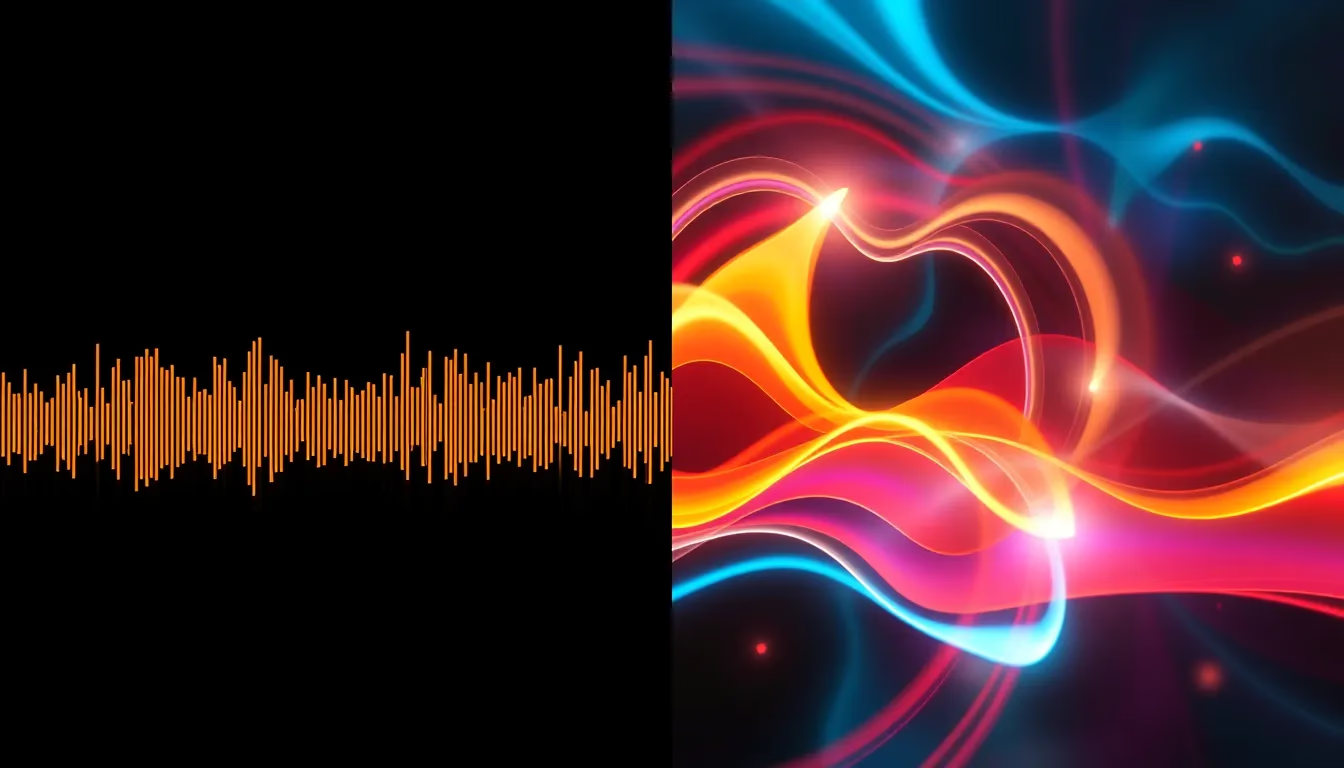
Abstract imagery – flowing colours, geometric patterns, particle effects, and artistic animations – offers tremendous creative freedom. These visuals can pulse with your music's rhythm, shift colours to match emotional intensity, and create immersive experiences that feel designed specifically for your cover.
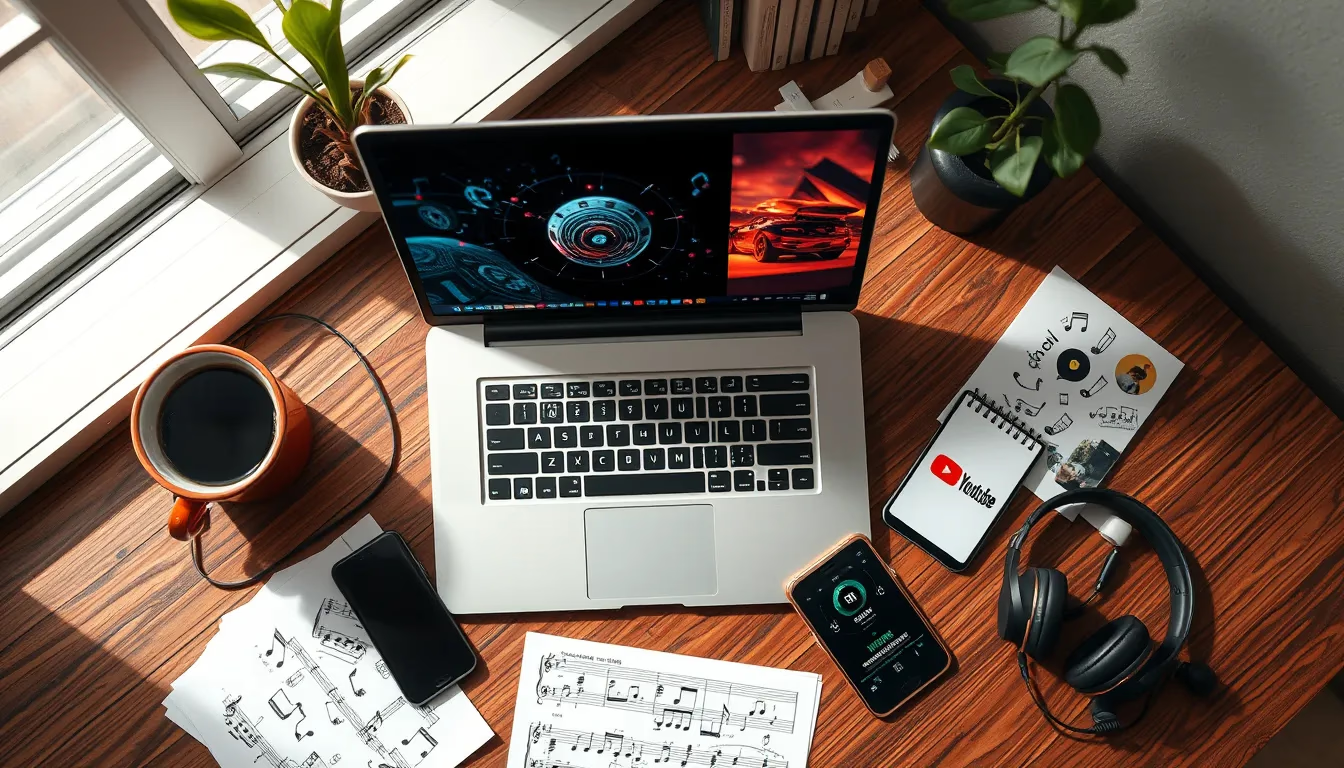
AI image generation has transformed this approach dramatically. Rather than relying solely on stock abstracts or learning complex animation software, creators can now generate unique artistic imagery tailored to specific songs and moods.
Creating Custom Visuals with AI
From Song Mood to Image Concept
AI image generation enables you to create visuals that genuinely match your music's emotional landscape. Start by identifying key themes, emotions, and imagery from your chosen song. A melancholic ballad about lost love might inspire rain-soaked city scenes, autumn forests, or solitary figures. An upbeat pop cover could call for vibrant colours, dynamic compositions, and energetic imagery.
Photomize AI offers tools that can generate atmospheric visuals based on descriptive prompts, allowing you to create imagery that feels connected to your specific interpretation of a song rather than generic stock alternatives.
Consider creating visual themes for different song sections. Verses might feature more subdued imagery, choruses could introduce brighter or more intense visuals, and bridges might shift to entirely different scenes. This variation maintains viewer engagement throughout longer videos.
Composite Images for Unique Scenes
Sometimes the perfect visual requires combining multiple elements – perhaps placing a solitary figure against an impossible landscape or merging natural and abstract elements. Our guide to merging photos with AI explores techniques for creating seamless composites that can form striking video stills or animation sequences.
For cover videos, composite images allow you to create scenes that couldn't exist in photographs – dreamlike environments that match the emotional territory your music inhabits. These unique visuals differentiate your content from creators using identical stock footage.
Background Considerations for Text Overlays
If you're combining AI-generated imagery with lyric overlays, consider generating backgrounds that leave appropriate space for text. Images with clear areas of consistent colour or subtle gradients provide readable surfaces for lyrics, while busy, detailed images can make text difficult to follow.
The techniques covered in our AI background removal guide can also prove useful when adapting images for video use, allowing you to isolate elements and recompose scenes with appropriate spacing for your layout needs.
Assembling Your Video
Software Options for Every Budget
Video editing ranges from professional applications to capable free alternatives. DaVinci Resolve offers professional-grade editing without cost, though its learning curve challenges beginners. Simpler options like Canva's video editor, CapCut, or OpenShot provide accessible entry points for creators prioritising straightforward assembly over complex effects.
For lyric videos specifically, dedicated tools like Veed.io or Kapwing streamline the process of timing text to audio. These browser-based editors eliminate software installation while offering templates designed for music content.
Synchronising Visuals with Music
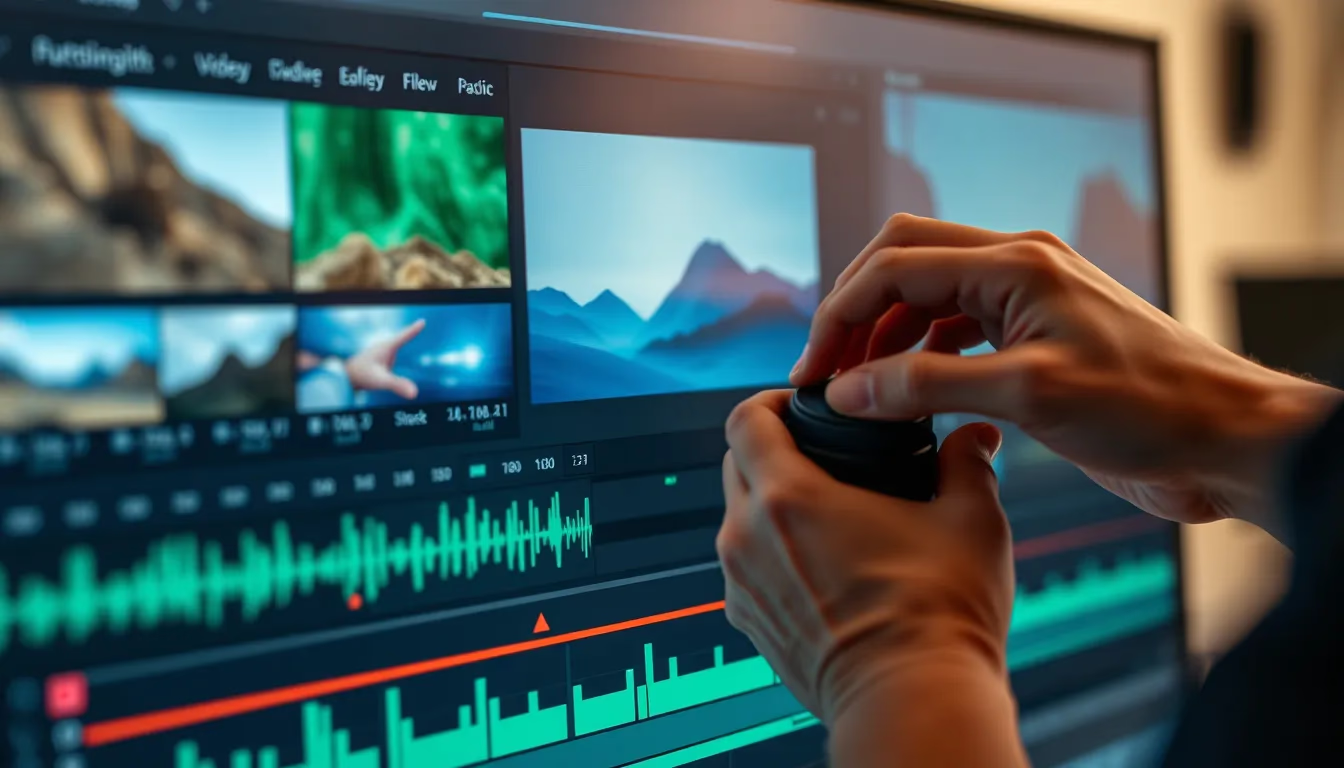
Effective music videos feel connected to their audio, with visual changes landing on beats, new imagery appearing at section transitions, and intensity matching musical dynamics. This synchronisation needn't be complex – simple cuts aligned to downbeats create professional-feeling rhythm.
Map your song structure before editing. Identify verse, chorus, and bridge sections. Note particularly emotional moments, key lyrical phrases, and dynamic shifts. Use these markers as visual transition points, creating coherent relationships between what viewers see and hear.
Creating Movement from Still Images
Static images can gain cinematic quality through subtle movement. The Ken Burns effect – slowly zooming or panning across photographs – transforms stills into engaging video content. Most editing software includes this capability, allowing you to define start and end positions for gradual camera movement across images.
Combine multiple images with crossfade transitions for smooth visual flow. Match transition timing to your music's phrasing – changing images at natural breath points or between lyrical thoughts maintains coherent viewer experience.
Copyright Considerations for Cover Songs
Publishing cover songs on YouTube involves copyright considerations that deserve careful attention. The original composition remains protected by copyright even when you record your own performance. YouTube's Content ID system typically identifies cover songs and may place ads on your video with revenue directed to rights holders.
Some creators obtain mechanical licenses through services like DistroKid or Songfile, though licensing requirements and options vary by territory and intended use. YouTube's own policies regarding cover songs have evolved over time. For current guidance specific to your situation, consult YouTube's official creator resources and consider seeking advice from qualified professionals if you plan to monetise your cover content.
Visual elements carry separate copyright considerations. Stock footage, music visualisers, and images all come with licensing terms that may or may not permit YouTube use or monetisation. Verify rights before publishing, and maintain records of your licenses.
Optimising for YouTube Discovery
Thumbnails That Capture Attention
Your thumbnail determines whether viewers click through to your cover. Without a face to feature, you'll rely on striking imagery, clear text indicating the song title and artist, and visual style that communicates your channel's aesthetic.
Maintain thumbnail consistency across your catalogue. Use similar colour treatments, typography placement, and compositional approaches. This visual coherence helps viewers recognise your content instantly, building brand familiarity that encourages clicks from returning audiences.
Titles and Descriptions That Reach Searchers
Structure titles to match how viewers search. Include the original song title, artist name, and indicate it's a cover. Common formats include "Song Title - Original Artist (Cover)" or "Song Title | Original Artist Cover." Place the most searchable terms early, as titles may truncate in search results.
Descriptions offer space for keywords, context, and engagement. Include relevant phrases naturally – the original song's album, release year, genre, and your interpretation's particular style. Link to your social platforms, credit any stock resources used, and invite viewers to explore your other covers.
Building Your Faceless Channel
Consistency drives channel growth more than any single viral video. Establish a sustainable upload schedule based on how quickly you can produce quality covers with accompanying visuals. One polished video monthly outperforms rushed weekly content that fails to represent your capabilities.
Develop visual templates that streamline production. Once you've established your aesthetic approach – colour grading, typography styles, transition types, imagery sources – subsequent videos require less creative decision-making. This efficiency allows more focus on musical quality.
Engage genuinely with viewers who discover your music. Comments on faceless channels often reflect deeper musical appreciation, offering opportunities for meaningful connection around your craft rather than superficial observations.
Your Voice Deserves to Be Heard
Camera shyness shouldn't silence talented singers. The tools available in 2026 make professional-quality music videos achievable without filming equipment, on-screen presence, or traditional video production skills. AI-generated imagery, thoughtful visual composition, and accessible editing software combine to create compelling content that showcases your musical abilities.
Start with your strongest cover – the performance you're most proud of. Build visuals that honour the song's emotional landscape using techniques that feel manageable given your current skills. Publish, learn from the experience, and refine your approach with each subsequent release.
Your audience awaits not your face, but your voice. Give them something worth hearing, wrapped in visuals worth watching, and let your talent speak for itself.